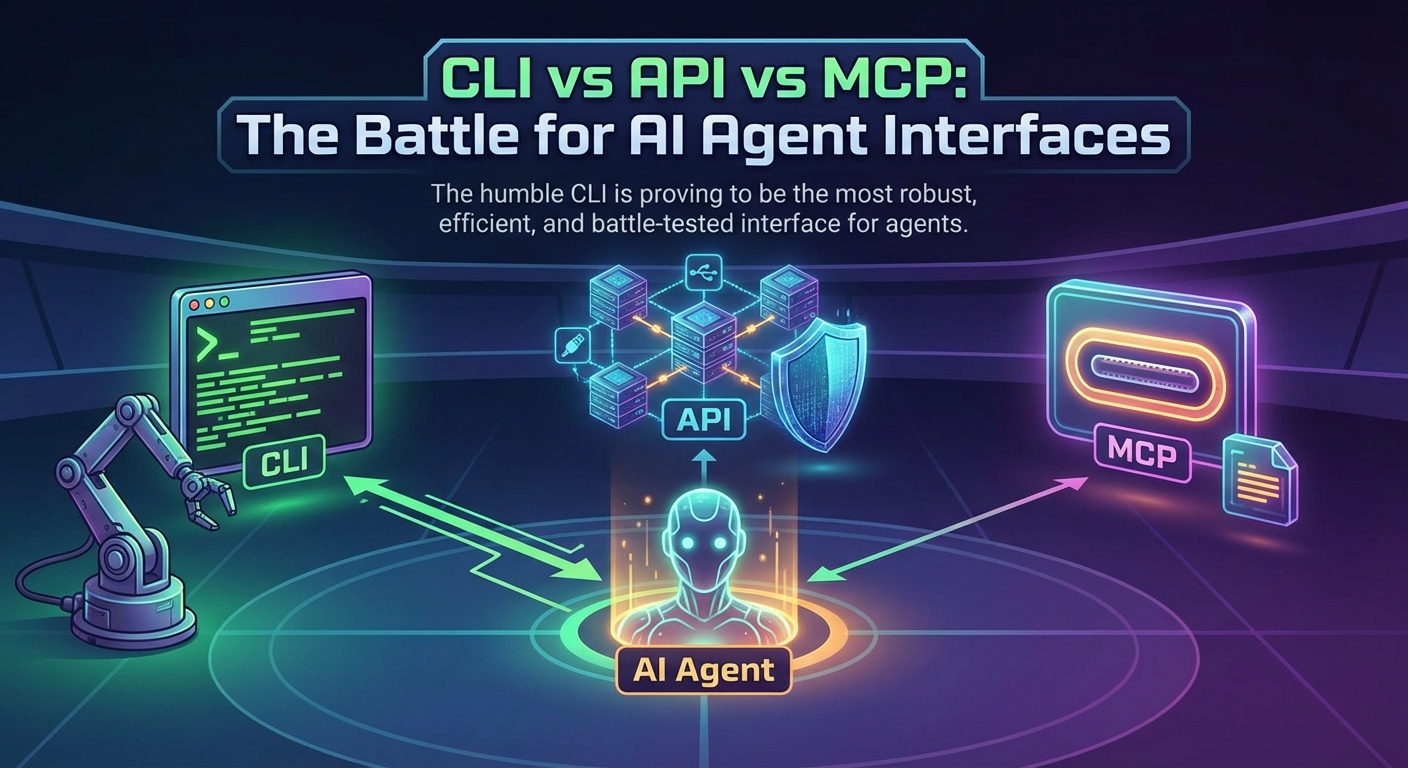
Why the 50-year-old command line is beating modern protocols in the age of AI
The AI agent revolution has sparked a surprising trend: developers are increasingly turning to Command Line Interfaces (CLIs) over both traditional APIs and the newer Model Context Protocol (MCP).
This isn’t nostalgia—it’s pragmatism. While everyone expected custom APIs or new protocols like MCP to become the standard for AI-tool integration, the humble CLI is proving to be the most robust, efficient, and battle-tested interface for agents.
In this post, we’ll compare these three approaches and explain why CLIs are winning—for now.
The Three Contenders
1. REST/GraphQL APIs
The traditional way: direct HTTP calls to service endpoints.
2. Model Context Protocol (MCP)
Anthropic’s open standard—think “USB-C for AI”—that standardizes how AI models connect to tools and data sources.
3. Command Line Interfaces (CLIs)
Text-based tools like gh, kubectl, aws, and docker that have existed for decades.
Head-to-Head Comparison
| Feature | CLI | API | MCP |
|---|---|---|---|
| Integration Effort | Near zero—tools exist | High—custom code per endpoint | Medium—requires MCP server |
| Token Efficiency | ✅ Best (~33% more efficient) | Poor—verbose JSON | Medium—schema overhead |
| API Coverage | ✅ 100%—vendor maintained | Complete but verbose | ⚠️ Fragmented, often incomplete |
| Learning Curve | Low—familiar patterns | Medium | Higher—new protocol concepts |
| Real-time Updates | Via polling | Webhooks/SSE | ✅ Built-in streaming |
| Composability | ✅ Unix pipes—incredible | Limited | Difficult |
| Best For | DevOps, coding agents, quick automation | Full control, strict requirements | Enterprise chatbots, multi-tool systems |
Why CLIs Are Winning for AI Agents
1. They’re Already Built & Battle-Tested
Every major platform maintains a high-quality CLI:
| Service | CLI Tool |
|---|---|
| GitHub | gh |
| AWS | aws |
| Google Cloud | gcloud |
| Azure | az |
| Kubernetes | kubectl |
| Docker | docker |
| Vercel | vercel |
| Netlify | netlify |
These tools are:
- Maintained by the platform vendors themselves
- Updated immediately when APIs change
- Have complete feature coverage
- Used by millions of developers daily
The MCP reality: You might need 5+ separate MCP servers to cover what one CLI does comprehensively.
2. Token Efficiency = Cost Savings
Benchmarks show CLI-based agents are up to 33% more token-efficient:
| Approach | Response Style | AI Processing Cost |
|---|---|---|
| REST API | Verbose, normalized JSON (designed for code SDKs) | 💰💰💰 High |
| MCP | Structured but schema-heavy | 💰💰 Medium |
| CLI | Human-readable, concise | 💰 Low—natural for LLMs |
“REST APIs are designed like spreadsheets—normalized, atomic data perfect for code. LLMs prefer conversational, contextual information.”
Example: Asking for popular GitHub repos:
- REST API returns walls of normalized JSON (thousands of tokens)
- MCP returns cleaner, targeted data (hundreds of tokens)
- CLI (
gh repo list) returns exactly what you need (dozens of tokens)
3. Unix Philosophy: Infinite Composability
CLIs can be piped, chained, and composed in ways structured protocols can’t match:
# Find large files in git history
git rev-list --objects --all | \
  git cat-file --batch-check='%(objecttype) %(objectname) %(objectsize) %(rest)' | \
  awk '/^blob/ {print $3, $4}' | \
  sort -rn | head -20

# Get Kubernetes pods using >1GB memory
kubectl top pods --all-namespaces | \
  awk 'NR>1 && $4 ~ /Gi/ && $4+0 > 1 {print $1, $2, $4}'

# Find and fix Python formatting
find . -name "*.py" -exec black {} \;
AI agents excel at generating these command chains. MCPs struggle with this kind of composition because each tool call is typically isolated.
4. Configuration Reuse
| CLI | MCP | |
|---|---|---|
| Auth setup | One config (~/.aws/credentials) | Per-client configuration |
| Profile switching | Built-in (--profile prod) | Often limited or missing |
| Cross-tool consistency | ✅ Shared config across all tools | ❌ Each server separate |
“With MCP, you configure it for VS Code, then again for Windsurf, then again for Cursor. It’s a violation of DRY for your local environment.”
5. Self-Documenting & LLM-Friendly
CLIs have built-in discovery that LLMs can parse:
aws ec2 describe-instances --help        # AI reads this
kubectl get pods --help                  # Understands options
gh pr create --help                      # Discovers parameters
LLMs are trained on massive amounts of shell commands and documentation. They already understand CLI patterns intuitively—no special training required.
MCP’s Strengths: When It Makes Sense
MCP isn’t obsolete—it excels in specific scenarios:
| Use Case | Why MCP Wins |
|---|---|
| Enterprise chatbots | Standardized security, OAuth, consent flows |
| AI-powered IDEs | Real-time context, dynamic tool discovery |
| Multi-tool agents | One protocol, many integrations |
| Stateful interactions | Complex session management |
| Autonomous agents | Schema enforcement prevents hallucinations |
The n×m Problem MCP Solves
Before MCP: n AI clients × m tools = n×m integrations
With MCP: One MCP server per tool + one MCP client per AI = n+m (much simpler)
MCP truly shines when you need dynamic tool discovery—the AI can see what tools are available and choose the right one without hard-coded logic.
Real-World Test: The GitHub Challenge
A practical test asking AI to: “Find this week’s popular AI repos, get the largest commit, show me the actual code changes”
| Approach | Result |
|---|---|
| REST API | ❌ Failed—response too verbose, LLM gave up parsing |
| GitHub MCP | ⚠️ Partial—found commit, but “diff content wasn’t included” |
CLI (gh) | ✅ Success—retrieved full 71-line diff |
“CLIs are more robust because they’ve existed for years. MCPs are new and don’t always have complete functionality.”
The Hybrid Future: Best of Both Worlds
Smart teams are converging on a hybrid architecture:
┌─────────────────────────────────────────┐
│  AI Agent (Claude, GPT-4, etc.)         │
├─────────────────────────────────────────┤
│  MCP Layer:                             │
│  • Tool discovery                       │
│  • Structured security/auth             │
│  • Complex stateful workflows           │
├─────────────────────────────────────────┤
│  CLI Execution Layer:                   │
│  • Fast, efficient execution            │
│  • Complete API coverage                │
│  • Composable operations                │
│  • Human-in-the-loop debugging          │
└─────────────────────────────────────────┘
MCP handles the handshake; CLI handles the heavy lifting.
When to Choose What
| Scenario | Recommendation |
|---|---|
| Quick prototyping, MVPs | CLI |
| Coding agents (Claude Code, Aider, OpenCode) | CLI + custom skills |
| Solo developers, small teams | CLI |
| Cost-sensitive projects | CLI (33% token savings) |
| Production enterprise systems | MCP |
| Autonomous agents, no human oversight | MCP |
| Multi-tool complex workflows | MCP |
| Need real-time streaming | MCP |
| Strict security/compliance requirements | MCP |
The Self-Improving AI Twist
The most fascinating development: AI agents that write their own CLI tools.
With file system access + code execution, agents can:
- Use an existing CLI to accomplish a task
- Notice inefficiencies (too many calls, trial-and-error)
- Write an optimized shell script combining commands
- Save it to disk for future use
- Iterate and improve over time
“This creates AI agents that literally improve themselves, making fewer errors, using fewer tokens, and working more efficiently with each iteration.”
Example workflow:
# AI creates optimized tool for repeated GitHub research
mkdir -p ~/.ai-tools/github-research

# Writes custom script combining gh commands
cat > ~/.ai-tools/github-research/analyze.sh << 'EOF'
#!/bin/bash
# Optimized GitHub repo analysis
TOPIC=$1
gh repo list --topic "$TOPIC" --sort stars --limit 10 --json name,owner,stargazersCount
EOF

# Next time: uses this optimized tool instead of multiple API calls
chmod +x ~/.ai-tools/github-research/analyze.sh
~/.ai-tools/github-research/analyze.sh "machine-learning"
Conclusion
CLIs are having a moment because they represent the path of least resistance: they’re already built, already complete, already documented, and already optimized for the text-in/text-out processing that LLMs excel at.
MCP is the future for complex, autonomous, multi-tool enterprise systems—but it’s not quite ready to replace the humble CLI for day-to-day AI agent work.
For platforms like OpenClaw, which already have robust exec capabilities, supporting CLI-based “skills” is often more practical than building out full MCP infrastructure—at least for now.
The best approach? Start with CLI, add MCP when you need dynamic discovery or enterprise-grade security, and enjoy the best of both worlds.
Resources & Further Reading
- Why CLI is the New MCP — OneUptime
- The Uncomfortable Truth: CLIs Beat MCP Servers — DEV Community
- CLI-Agent vs MCP: Practical Comparison — DEV Community
- From REST APIs to MCPs to CLIs — Medium
- What is MCP? — Technical overview
- Anthropic MCP Documentation — Official docs